> For the complete documentation index, see [llms.txt](https://help.stringeex.com/stringeex-tong-dai-cham-soc-and-quan-ly-khach-hang/llms.txt). Markdown versions of documentation pages are available by appending `.md` to page URLs; this page is available as [Markdown](https://help.stringeex.com/stringeex-tong-dai-cham-soc-and-quan-ly-khach-hang/en/ii.-system-features/9.-settings/9.7-campaign-management/9.7.3-email-campaign/survey-answers.md).
# Survey answers
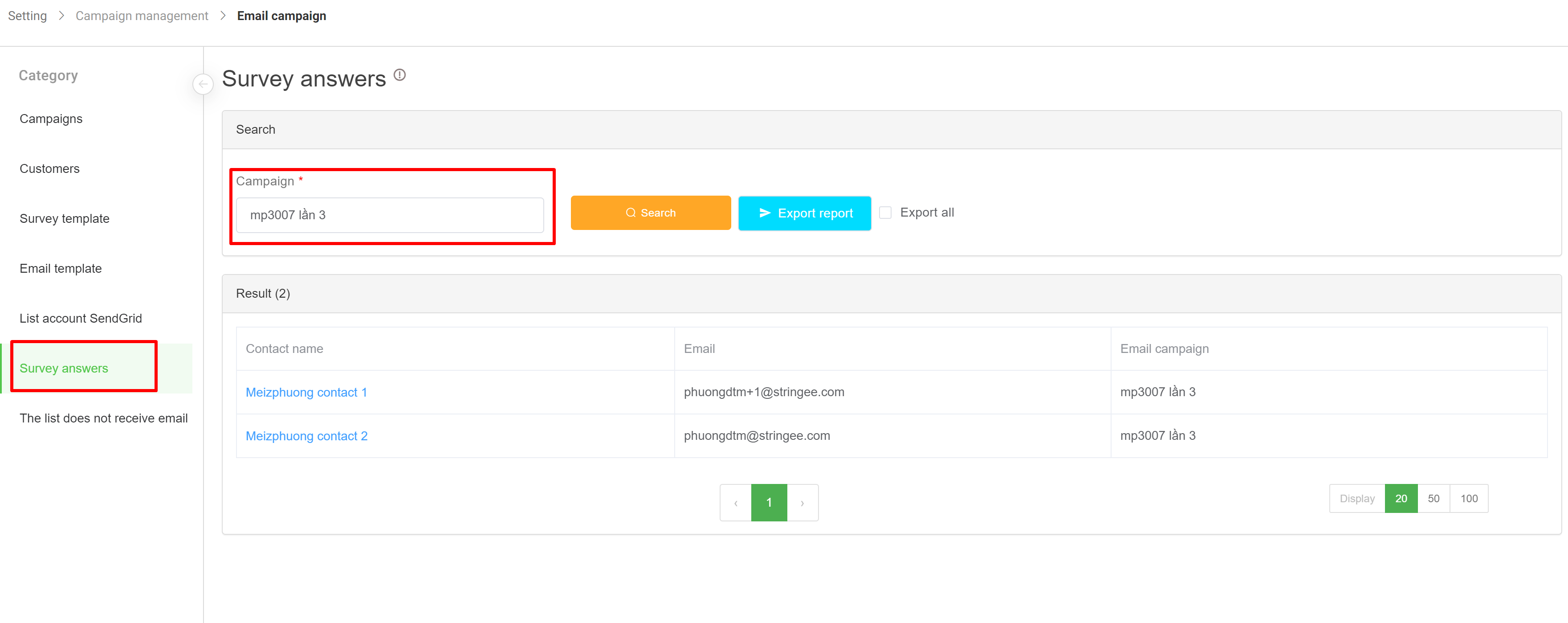
**Survey answers:** Admin can filter by each campaign with the "Campaign name" filter and view the survey results of each customer by clicking on the his/her name. In addition, the admin can also export the survey results for each campaign in excel file.
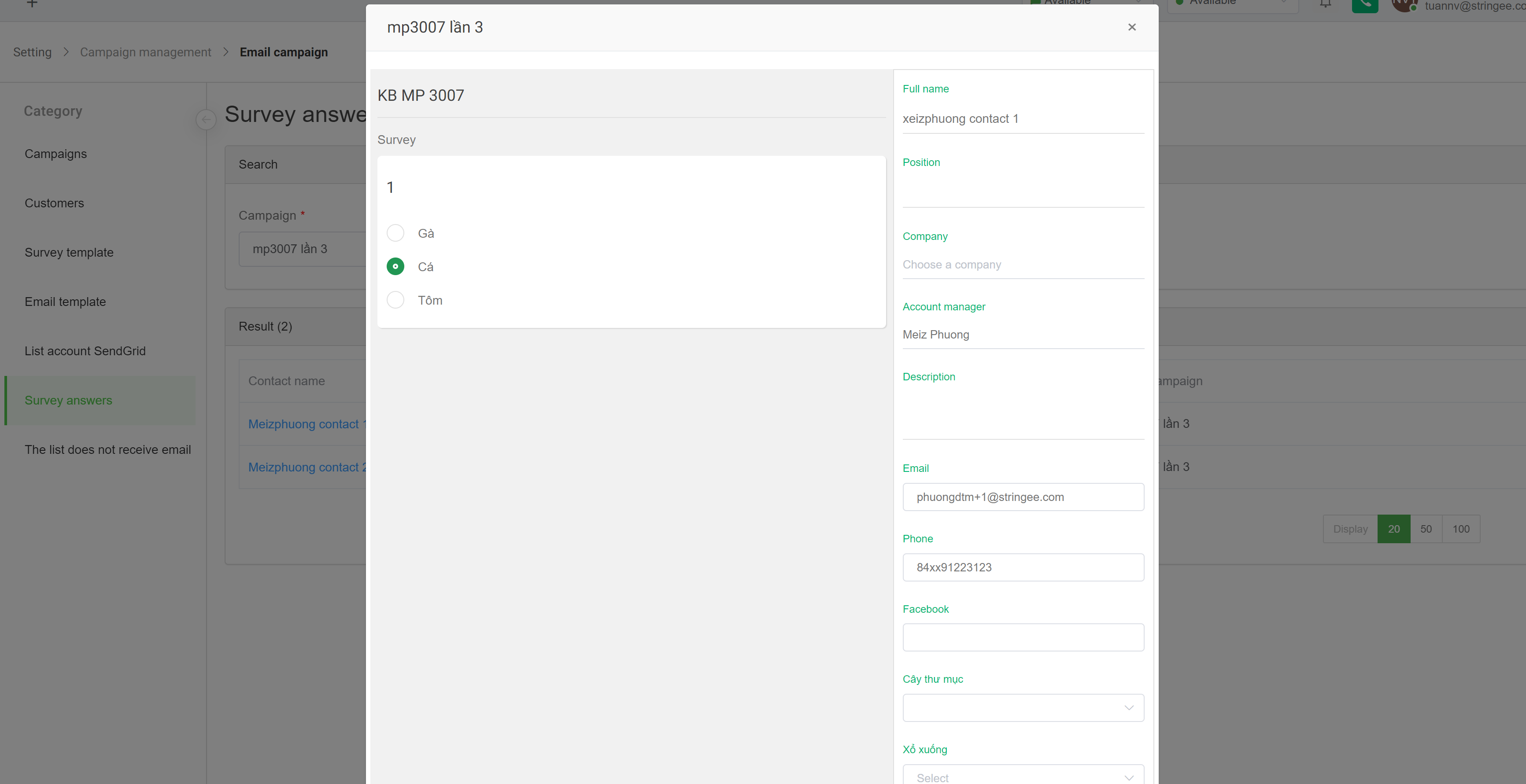
Select the corresponding customer's name to display the detailed survey results of this customer