> For the complete documentation index, see [llms.txt](https://help.stringeex.com/stringeex-tong-dai-cham-soc-and-quan-ly-khach-hang/llms.txt). Markdown versions of documentation pages are available by appending `.md` to page URLs; this page is available as [Markdown](https://help.stringeex.com/stringeex-tong-dai-cham-soc-and-quan-ly-khach-hang/en/ii.-system-features/9.-settings/9.6-other-configurations/9.6.5-working-time.md).
# 9.6.5 Working time
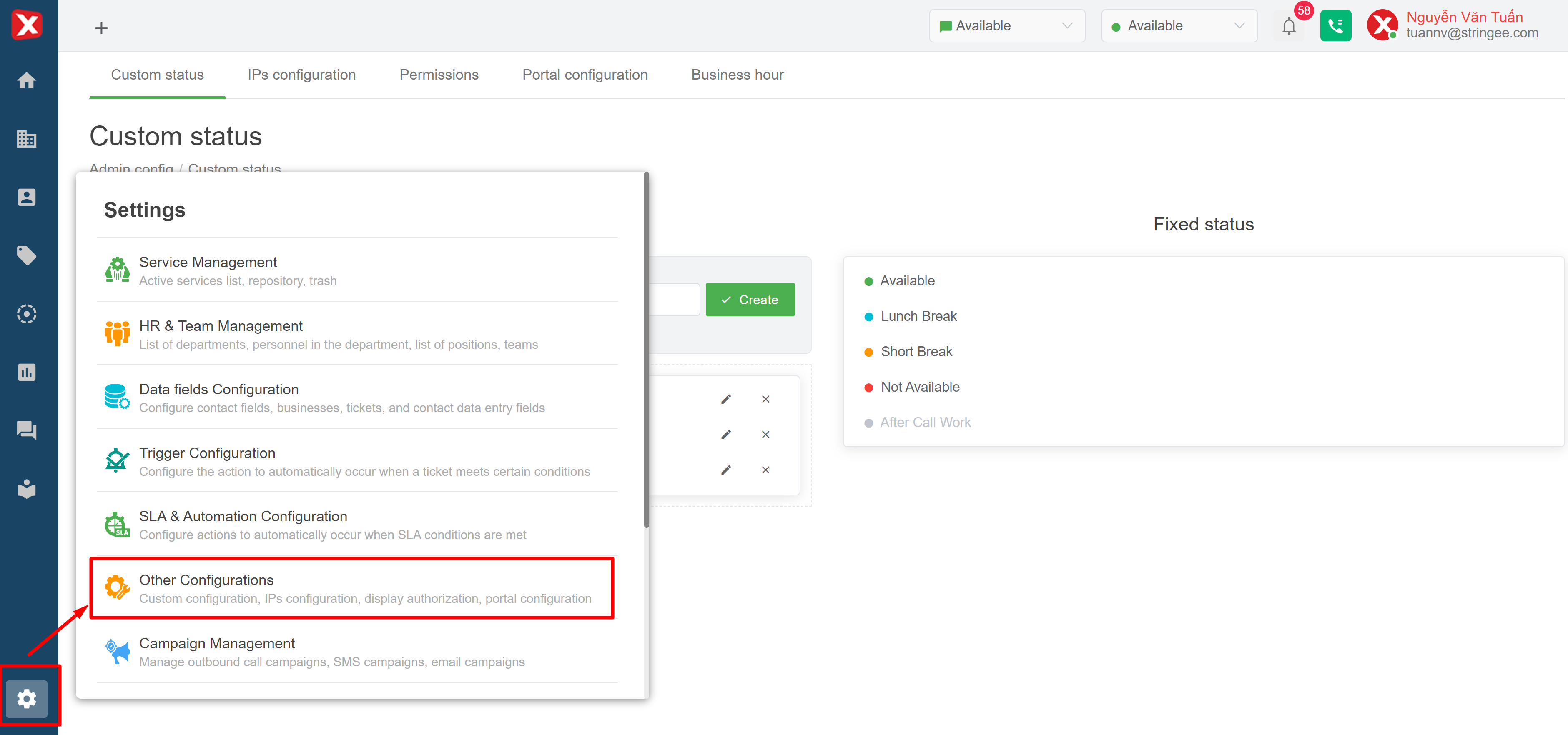
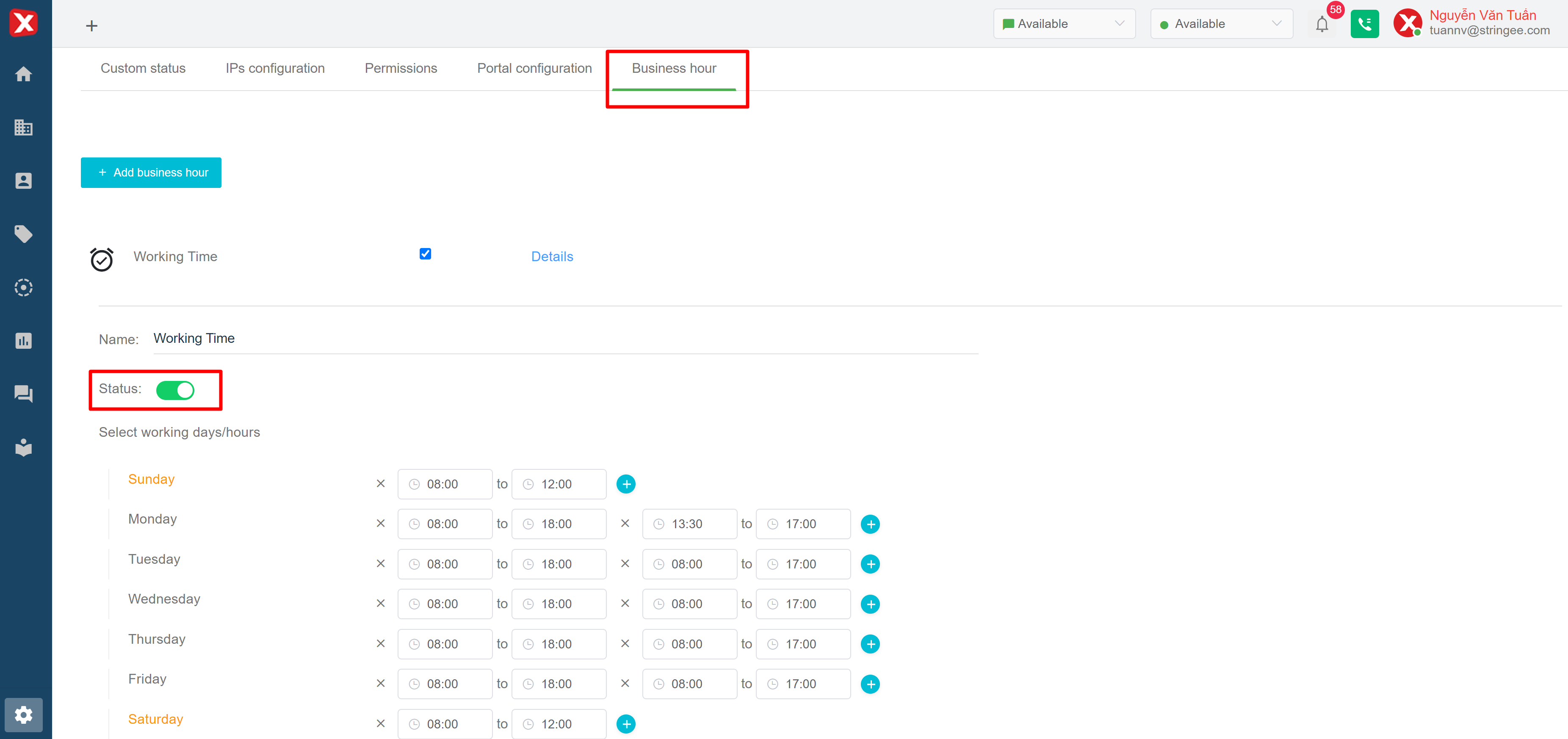
## Woking time interface
Admin can create/edit "Working time" to fit the needs of each queue in the system. Admin can customize the time frames of each day of the week. After creating/editing, users click Update to save. Note: a “Working time” is activated when the status of this “Working time” is enabled (the button turns green).