> For the complete documentation index, see [llms.txt](https://help.stringeex.com/stringeex-tong-dai-cham-soc-and-quan-ly-khach-hang/llms.txt). Markdown versions of documentation pages are available by appending `.md` to page URLs; this page is available as [Markdown](https://help.stringeex.com/stringeex-tong-dai-cham-soc-and-quan-ly-khach-hang/en/ii.-system-features/9.-settings/9.6-other-configurations/9.6.1-custom-status.md).
# 9.6.1 Custom status
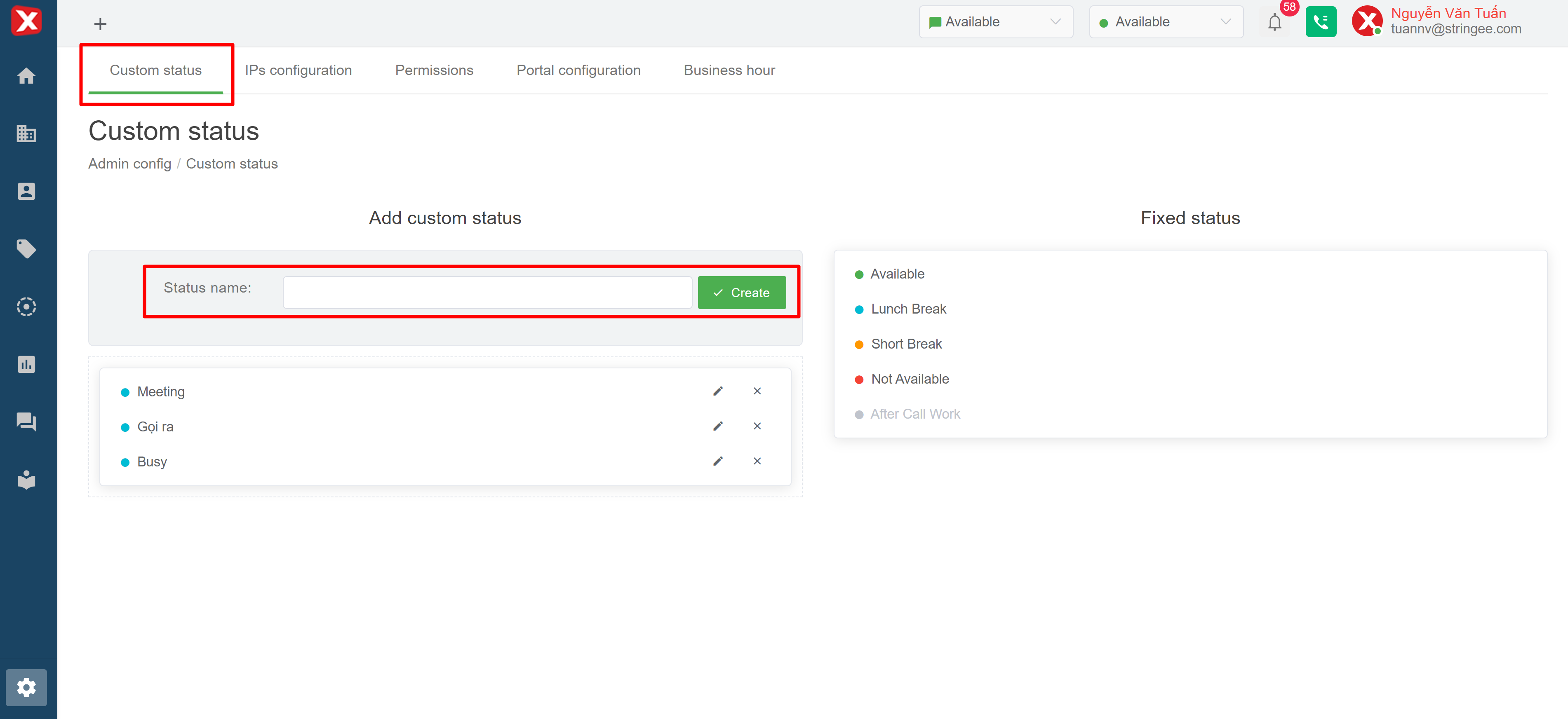
## Custom status interface
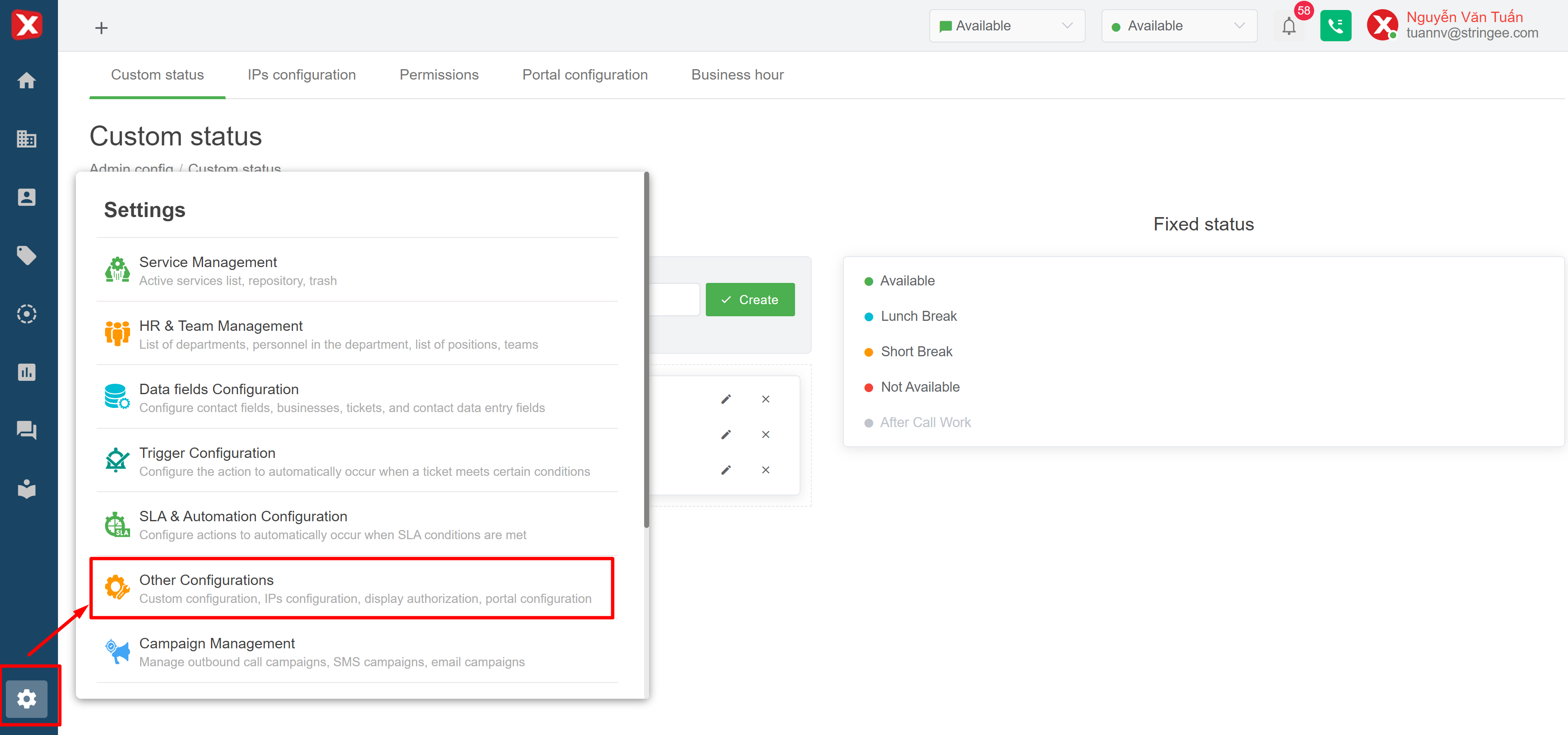
In this interface, the admin can monitor the status on the agent system which can be operated manually. Depending on the statistical and administrative demands of the business, the admin can add a new custom status. By entering a name in the New Status and Artificial Name box, the admin will create an additional custom status of the agent. The admin can also delete the old status by clicking on the x icon of each respective status.