> For the complete documentation index, see [llms.txt](https://help.stringeex.com/stringeex-tong-dai-cham-soc-and-quan-ly-khach-hang/llms.txt). Markdown versions of documentation pages are available by appending `.md` to page URLs; this page is available as [Markdown](https://help.stringeex.com/stringeex-tong-dai-cham-soc-and-quan-ly-khach-hang/en/ii.-system-features/9.-settings/9.2-hr-and-team-management/9.2.2-group/create-a-group.md).
# Create a group
## Create a new group
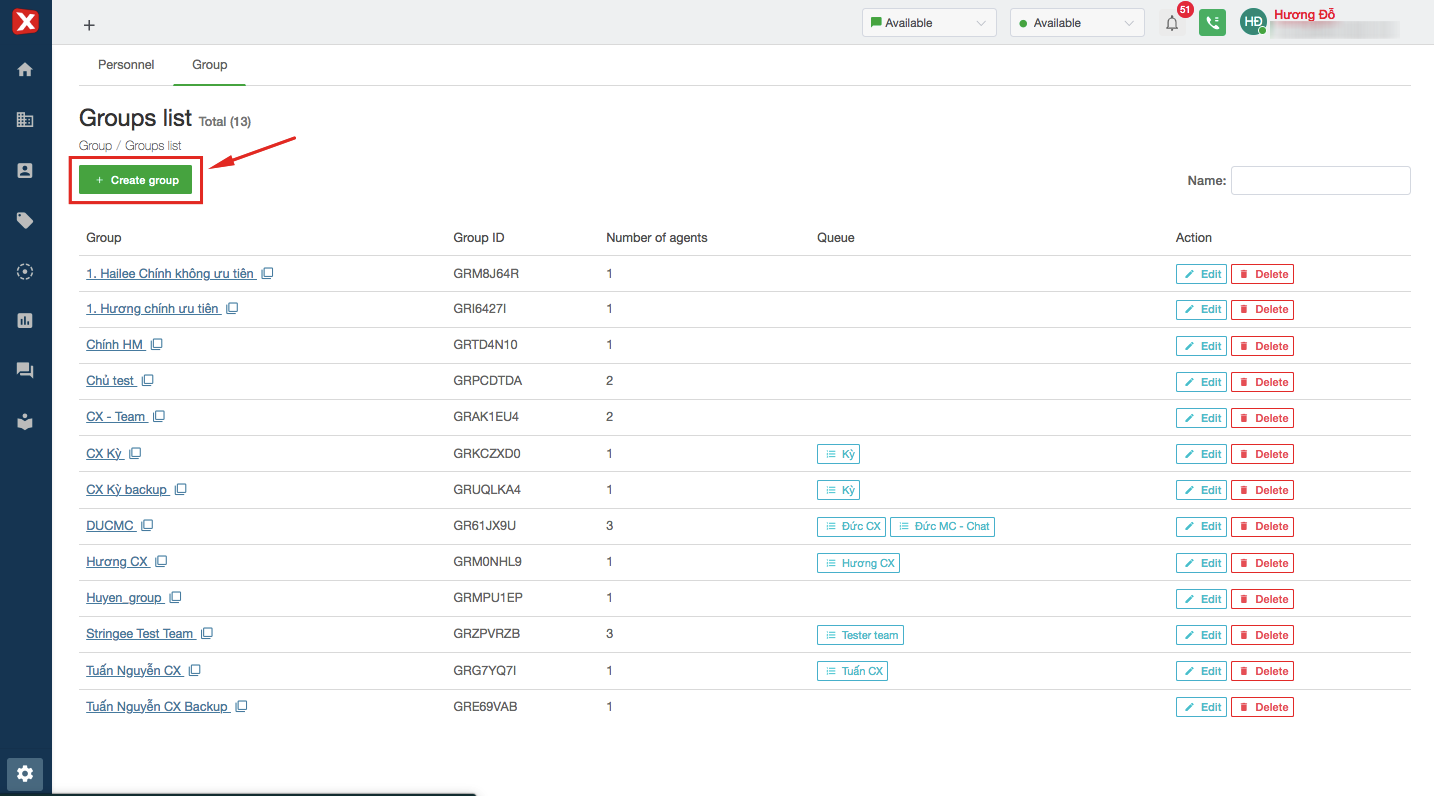
Admin select "Create group" and enter the group name to create a new group.
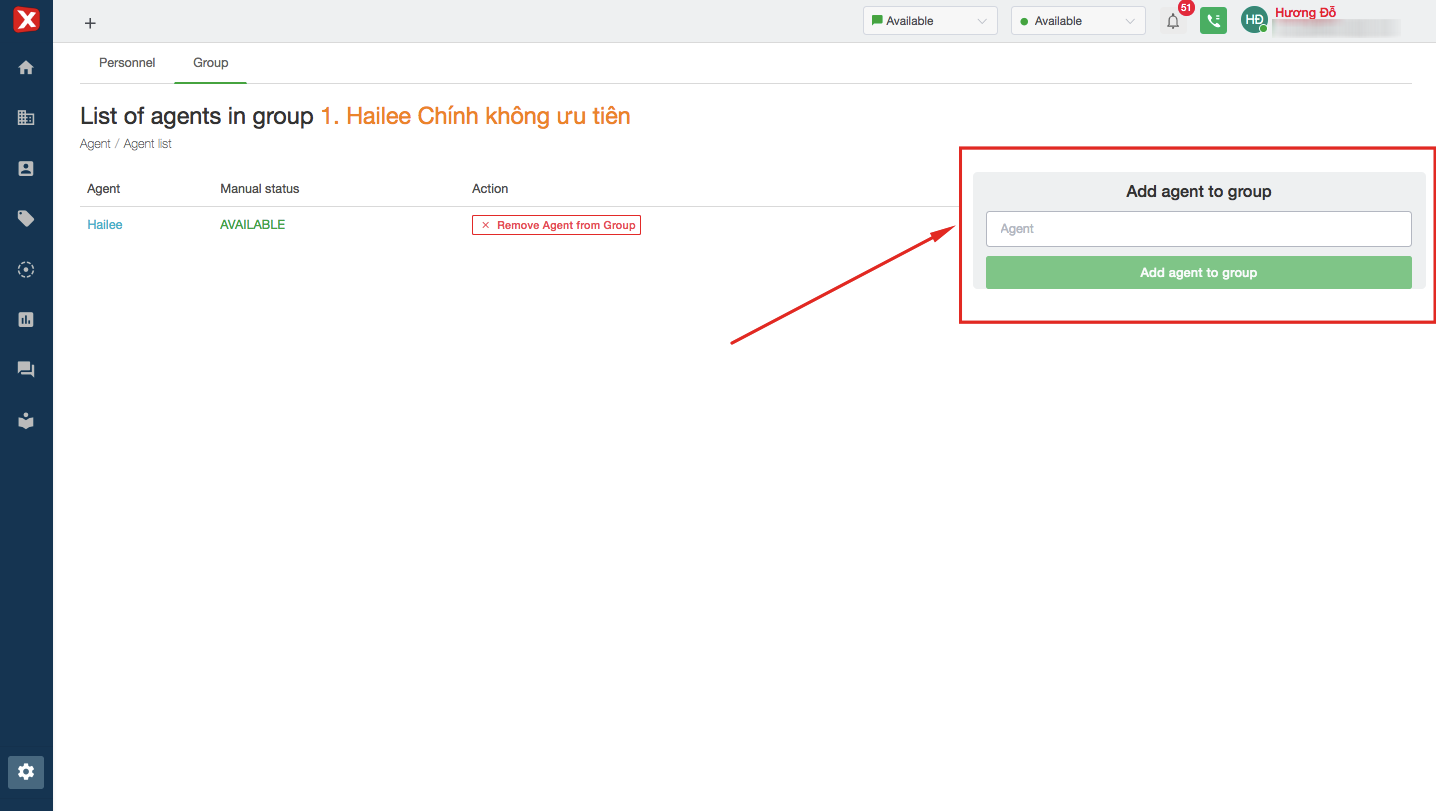
After creating a new group successfully, admin add agent to group. Click the group's name, then have a popup to add agents.